Follow the story
Conversations, familiar faces and the next chapter at the guild.
 DARK SOLESA STORY AT THE GUILD
AN INDEPENDENT FANTASY STORY
Unfamiliar faces. A room of your own.
A new story, one conversation at a time.
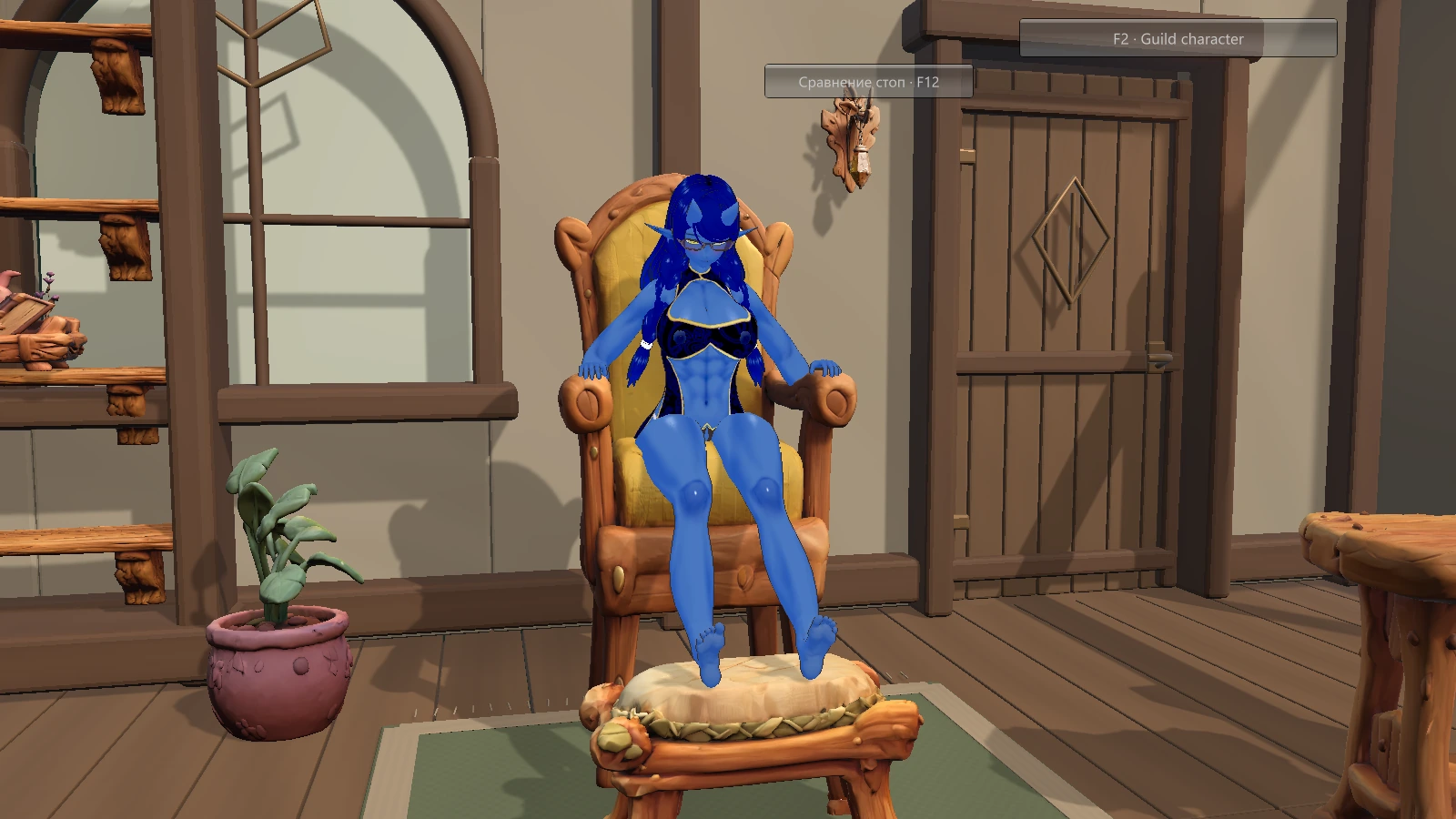
A LITTLE FURTHER INSIDE
Meet the people of the guild and follow the conversations that bring this world to life. Dark Soles combines a character-driven story with spaces to slow down and explore.
Launch Main Game from the client. Game updates come directly from our download server, with your saves kept between versions.
Already a supporter? Get your access codeA FAMILIAR FACE
A favourite chair. A quiet moment.
A glimpse of life inside the guild.
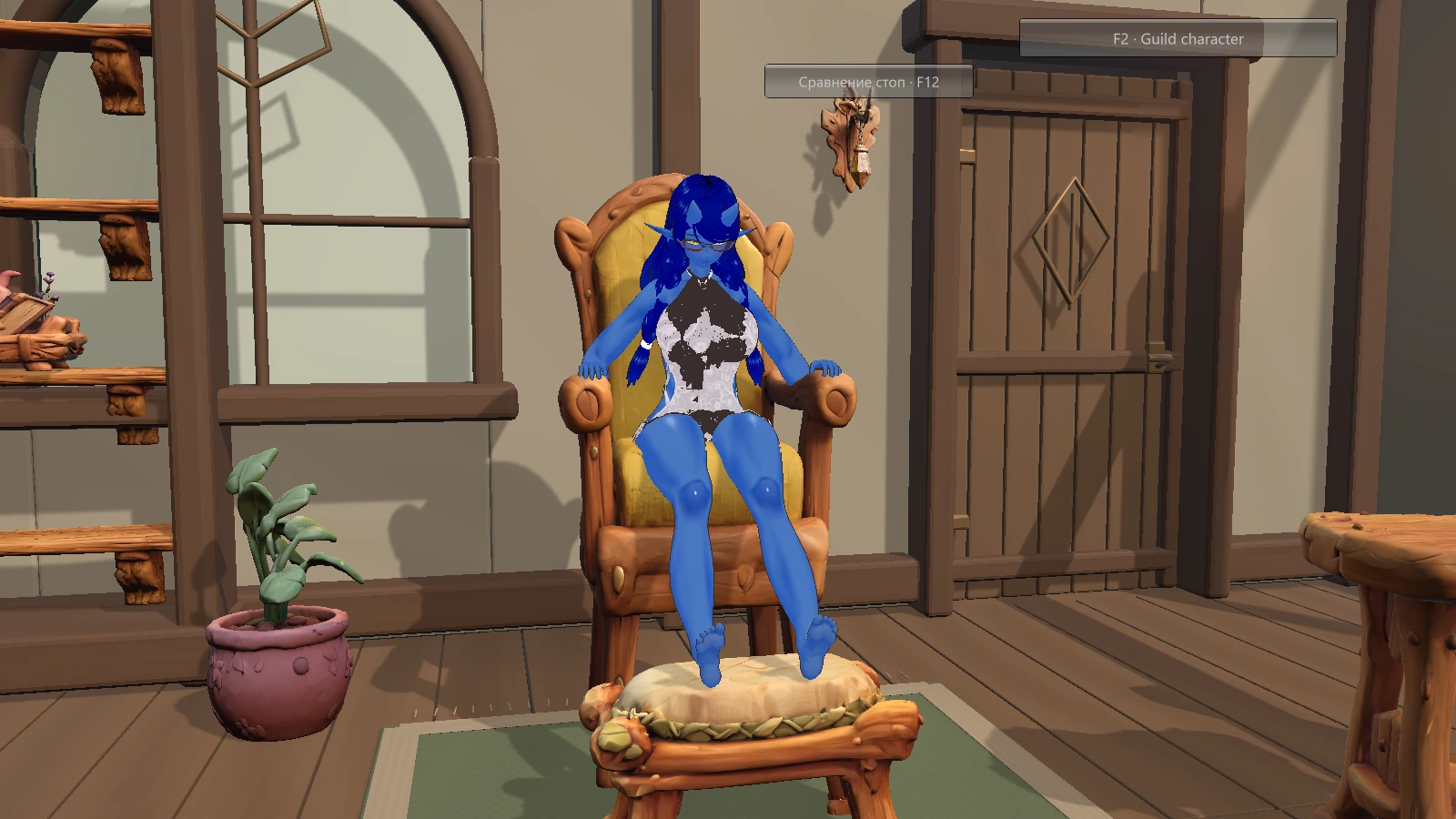
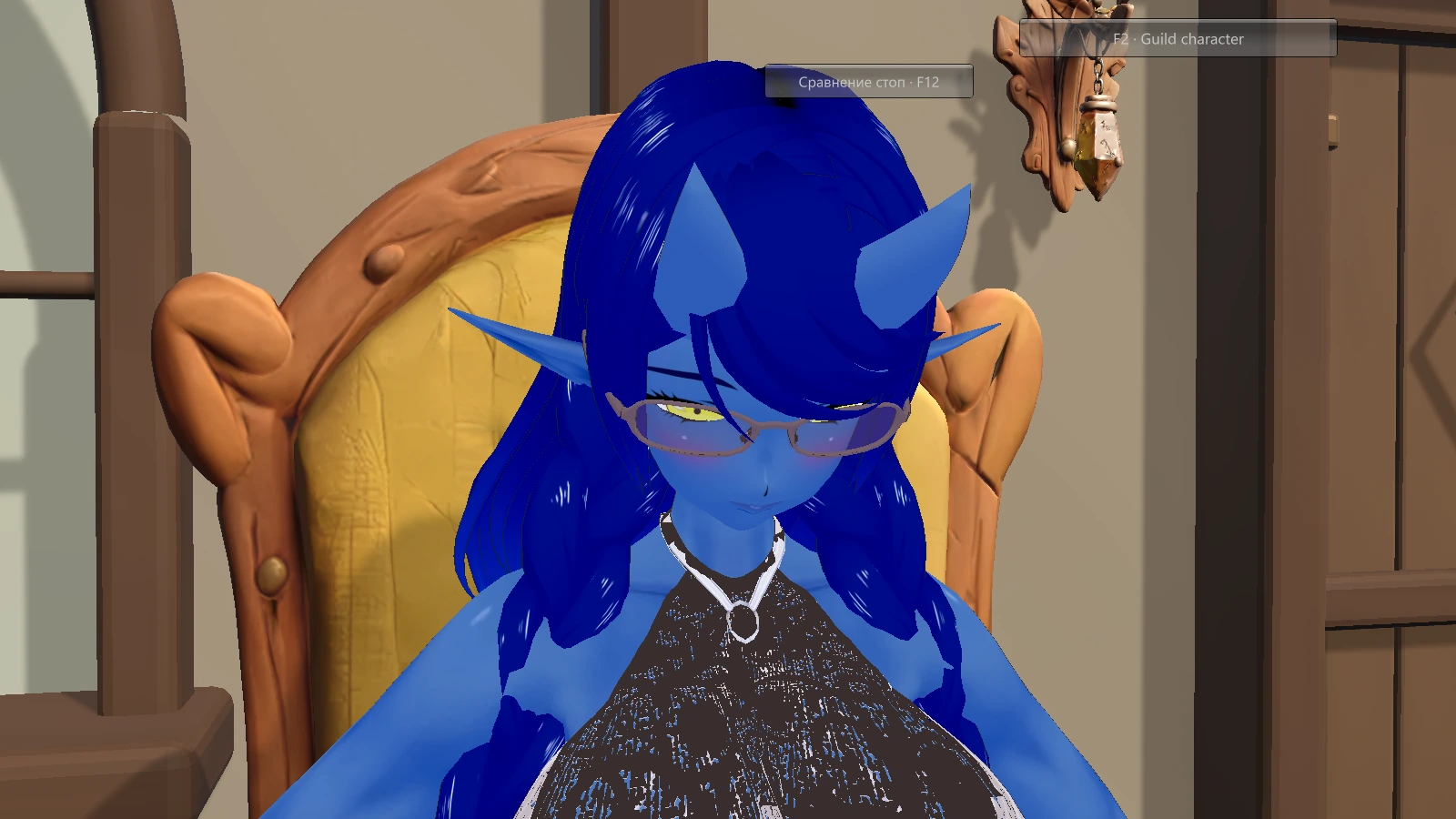
Conversations, familiar faces and the next chapter at the guild.
Check for updates, activate your access and launch Main Game from the Windows client.
Verified game updates leave your saves and personal settings in place.
WHEN YOU'RE READY
Download the client. Activate your access.
Let the client take care of the game files.
Windows · 64-bit
Have an eligible Patreon membership?
Get your personal access code, then enter it in the client.
FROM SUPPORTER TO PLAYER
Sign in on the access page with the Patreon account you use to support Dark Soles.
Once your membership is verified, generate a private, single-use activation code.
Enter your code, download the game and press Start. Manage linked devices on the website.
BEFORE YOU GO
Open Your access and sign in through Patreon. An eligible active membership unlocks code generation. Codes supplied directly by the creator can also be entered in the client.
Each code can be redeemed once. Generate a new code for another computer. Your access page shows linked devices and lets you remove an old one.
No. The client installs verified game files in a separate version directory and keeps player data outside that directory.
The access page shows the current availability. If activation has not opened yet, check back after the creator enables the Patreon connection.